金
Camera Lens Art
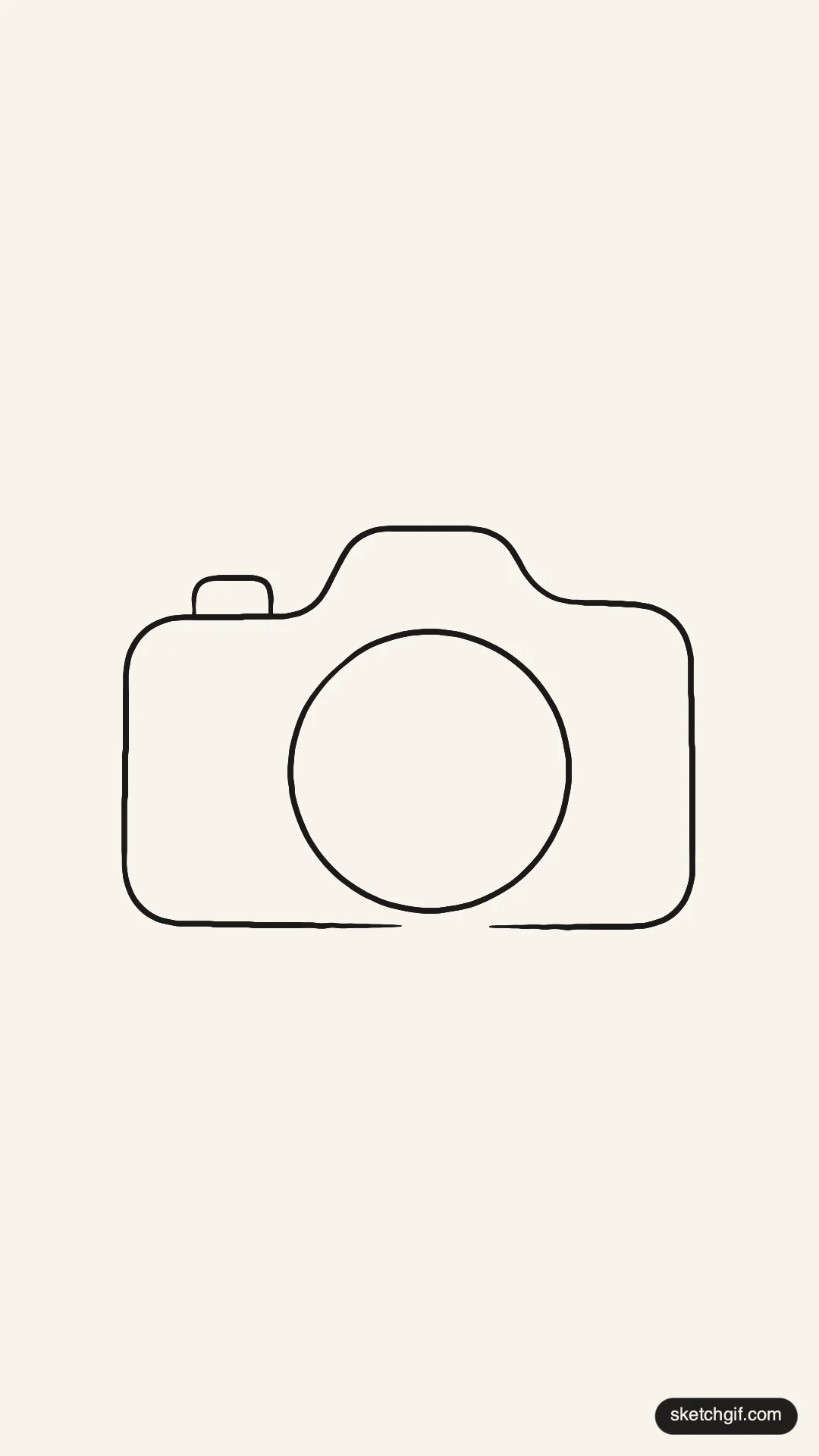
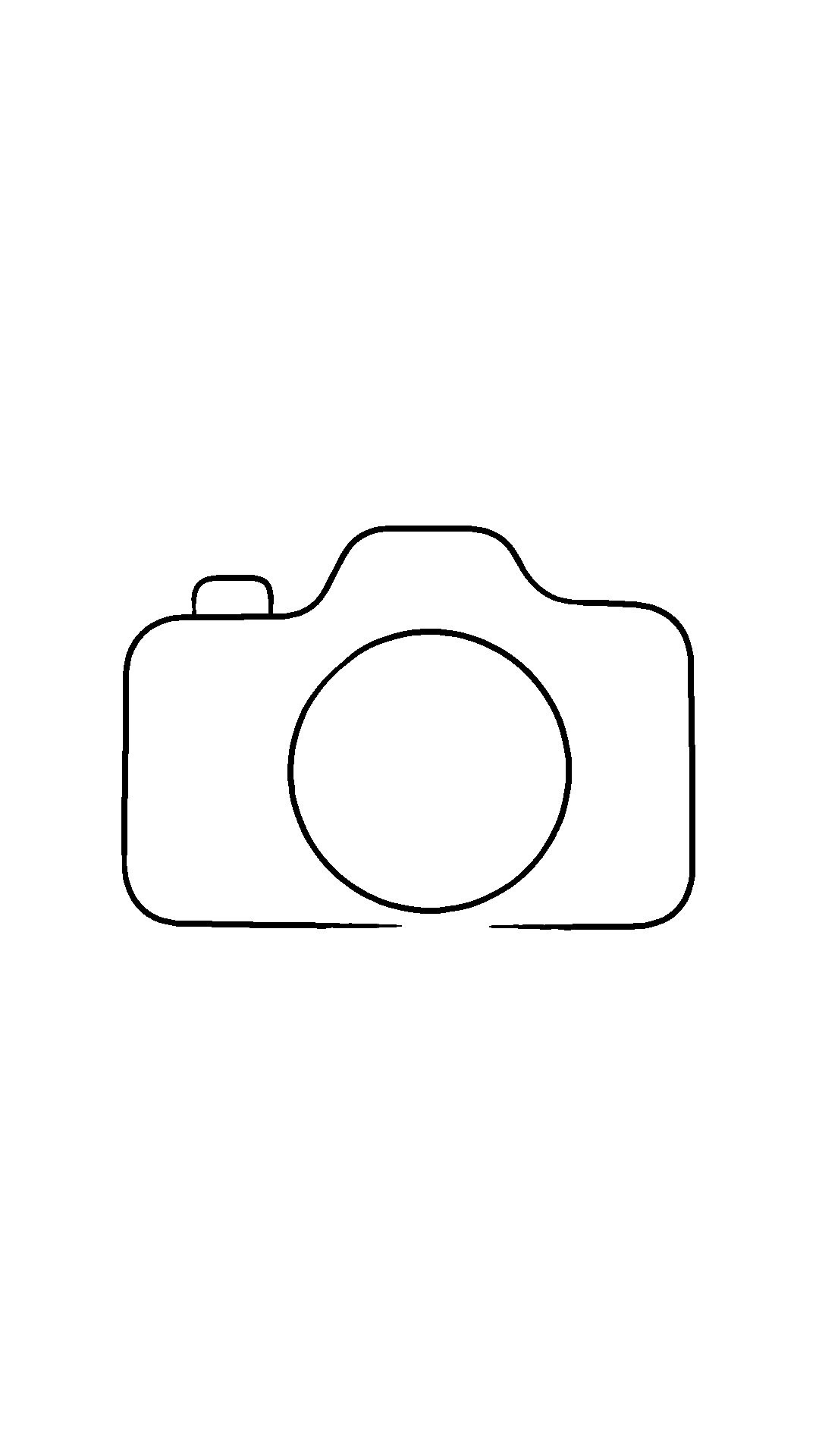
Studio Note One smooth black line shapes the camera body, connecting to a round lens in the center. One smooth black line shapes the camera body, connecting to a round lens in the center.
Drawing Overview & Practice Guide
Essential stroke metrics & hand-practice reference
Strokes
3 Lines
Practice Time
~3 Mins
Line Flow
35% Curved
Pen Weight
1.6–8 px
Focal Zone
Center-Left (X: 33%, Y: 43%)
Pen Travel
~92.8 cm
One smooth black line shapes the camera body, connecting to a round lens in the center. The lens is bold and circles the middle, while the top has a small button. The clean lines create a simple and clear design, keeping plenty of white space around the camera. To draw this, start with the round lens first, then shape the camera body around it. This outline is perfect for printing on tote bags or creating fun wall art.